Guide: mastering the rich text editor

Your words deserve a great look. This quick guide shows how to get the most out of our rich text editor — the very one we used to write this post.

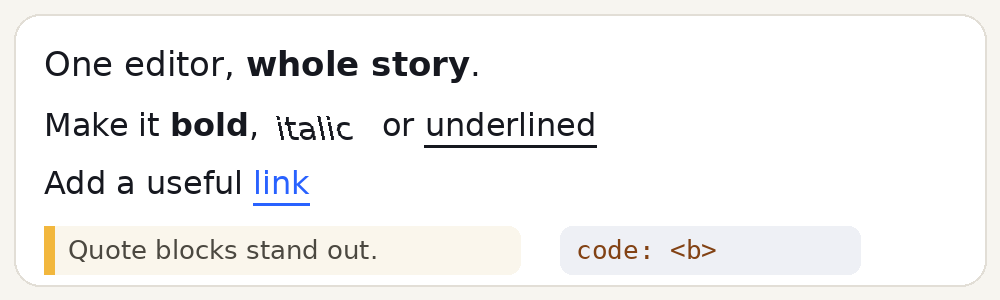
1) Bold, italic, underline. Select any word and press B, I or U on the toolbar. A highlighted button means the style is active.
2) Quotes and code. The
3) Links. Select the text, press the chain button and paste a URL. External links open safely in a new tab.
Safety tip: paste from anywhere — formatting is cleaned automatically and risky tags are removed for you. Write beautifully, publish confidently.
1) Bold, italic, underline. Select any word and press B, I or U on the toolbar. A highlighted button means the style is active.
2) Quotes and code. The
“” button turns a paragraph into a golden quote block — perfect for testimonials. The </> button wraps technical terms in a monospace chip.3) Links. Select the text, press the chain button and paste a URL. External links open safely in a new tab.
Safety tip: paste from anywhere — formatting is cleaned automatically and risky tags are removed for you. Write beautifully, publish confidently.